Plugins
Six first-party plugins are seeded automatically on your first xtz start. Each one does exactly one job and occupies exactly one place in the UI.
| Plugin | Where it lives | What it does |
|---|---|---|
dsh-providers | Settings → Models | Membership sign-in and API keys on one page; chat only lists the models you checked. Optional smart routing; manual is the default |
dsh-im | Sidebar → IM bots | Nine chat channels plus an experimental AI Office connector |
dsh-wecom-office | Sidebar → IM bots → WeCom robot card | WeCom calendar, docs, meetings, contacts, sheets, todos, and disk |
dsh-xtz-ui | Settings → Xiaotaozi | Brand chrome, archive, task board, git graph, and feature toggles |
dsh-sidebar | Settings → Side card | Right-hand files / editor / Git / terminal panel |
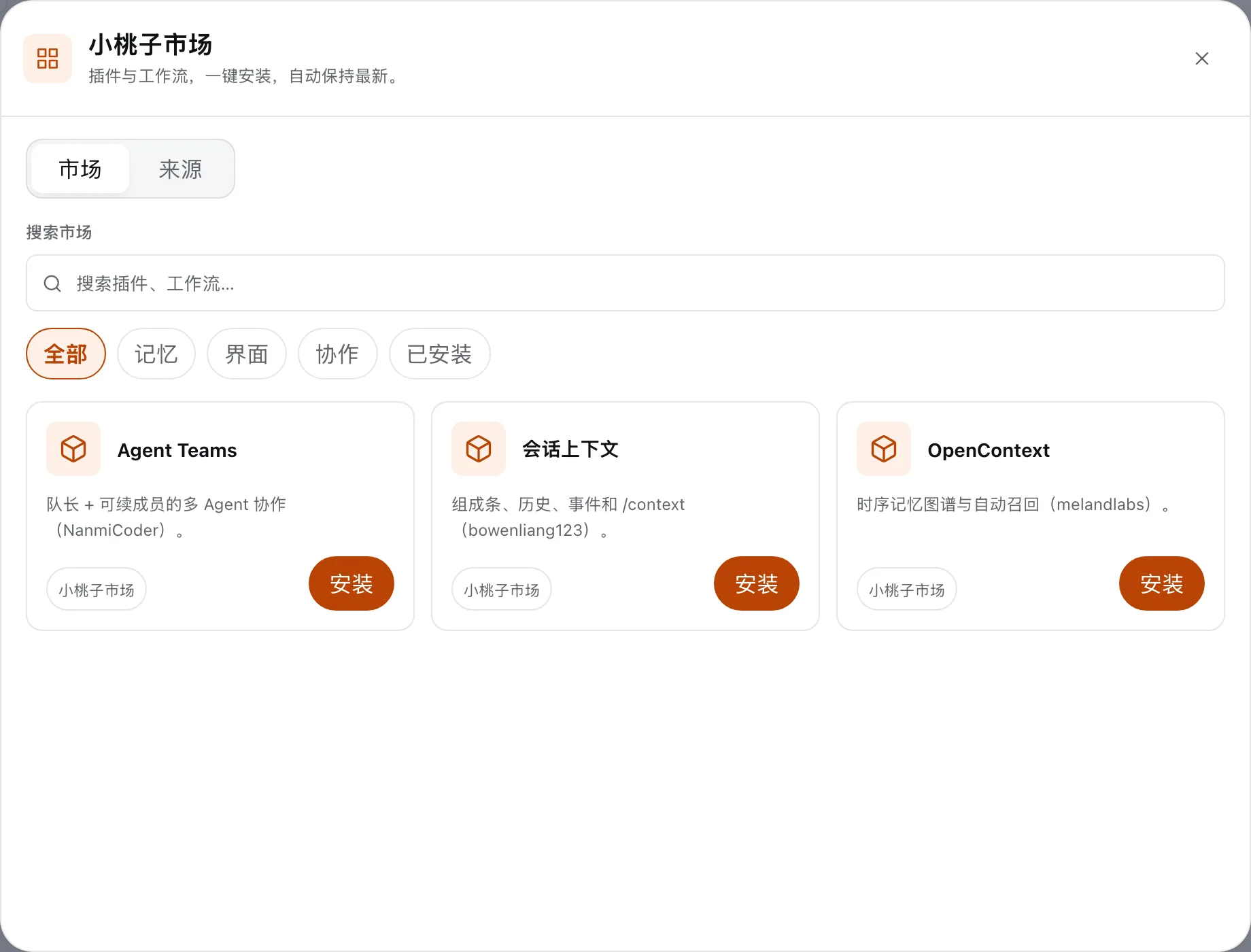
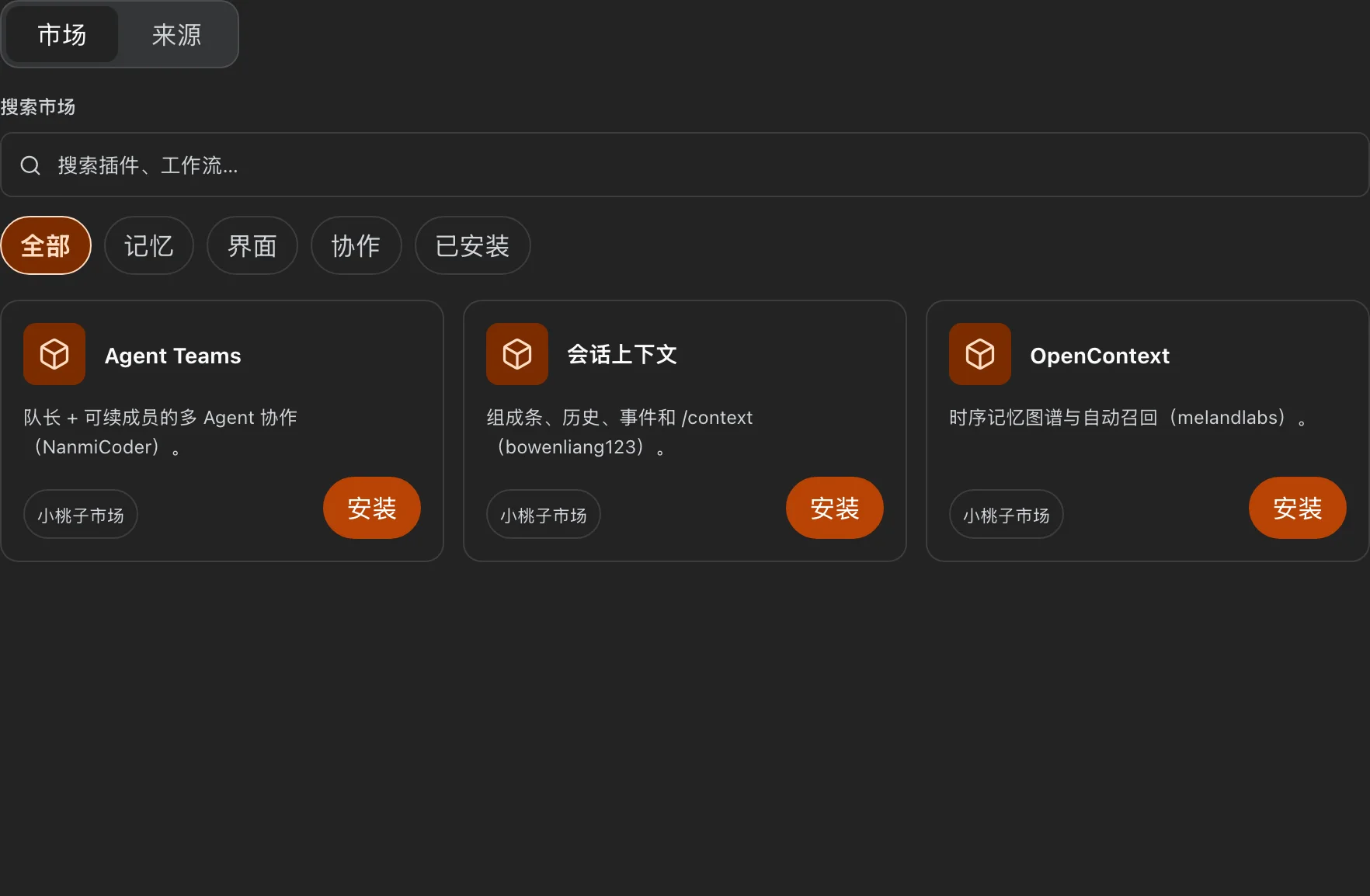
dsh-market | Sidebar → Market | Browse and install third-party plugins |
Models — dsh-providers
Sign in to Codex, Claude, Grok, Qwen, or Kimi with an official membership, or store API keys — all on one settings page. The chat model picker only lists what you have enabled, so it stays short and relevant. Smart routing is off by default; turn it on only if you want each human turn to pick among the models you already checked.
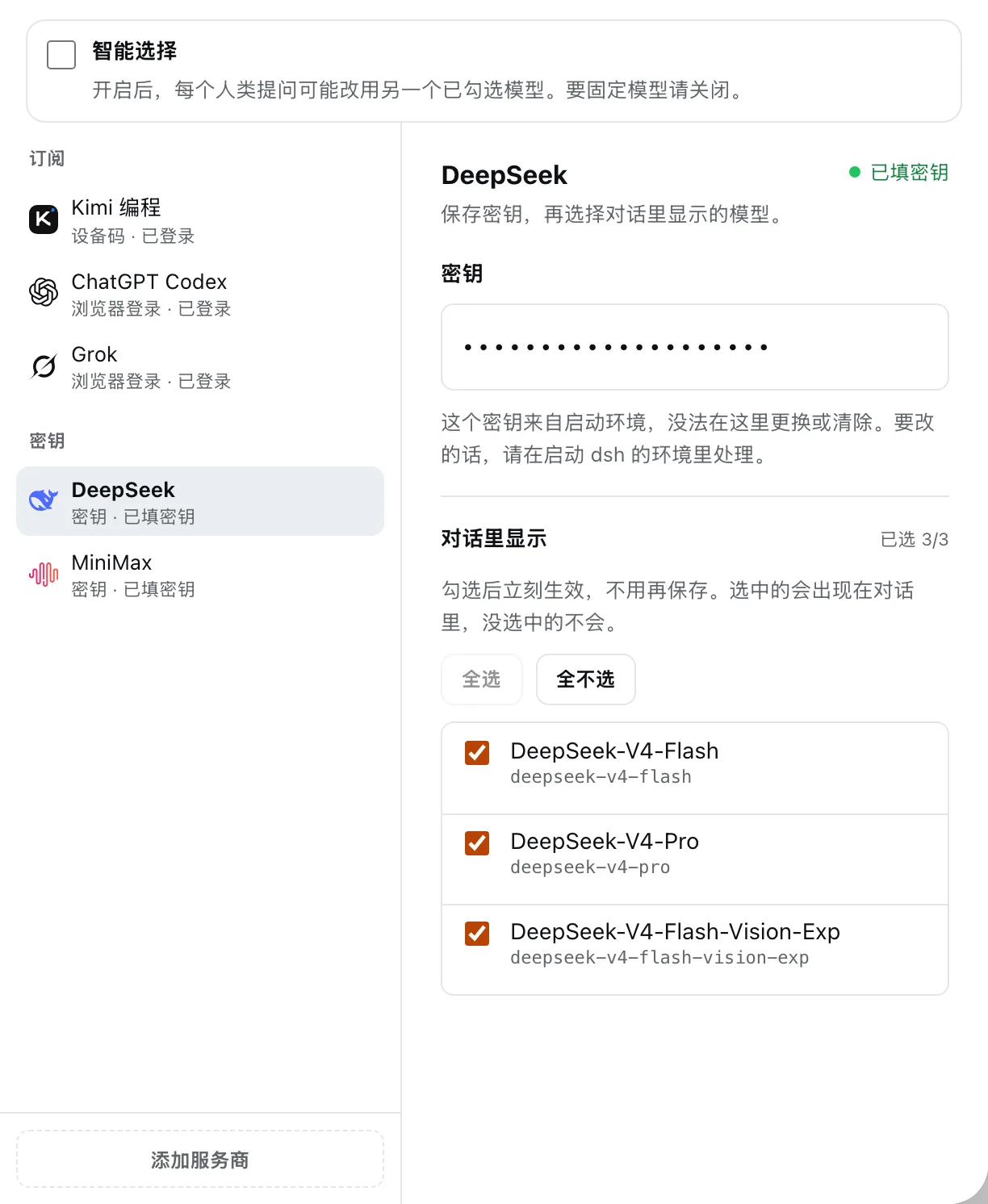
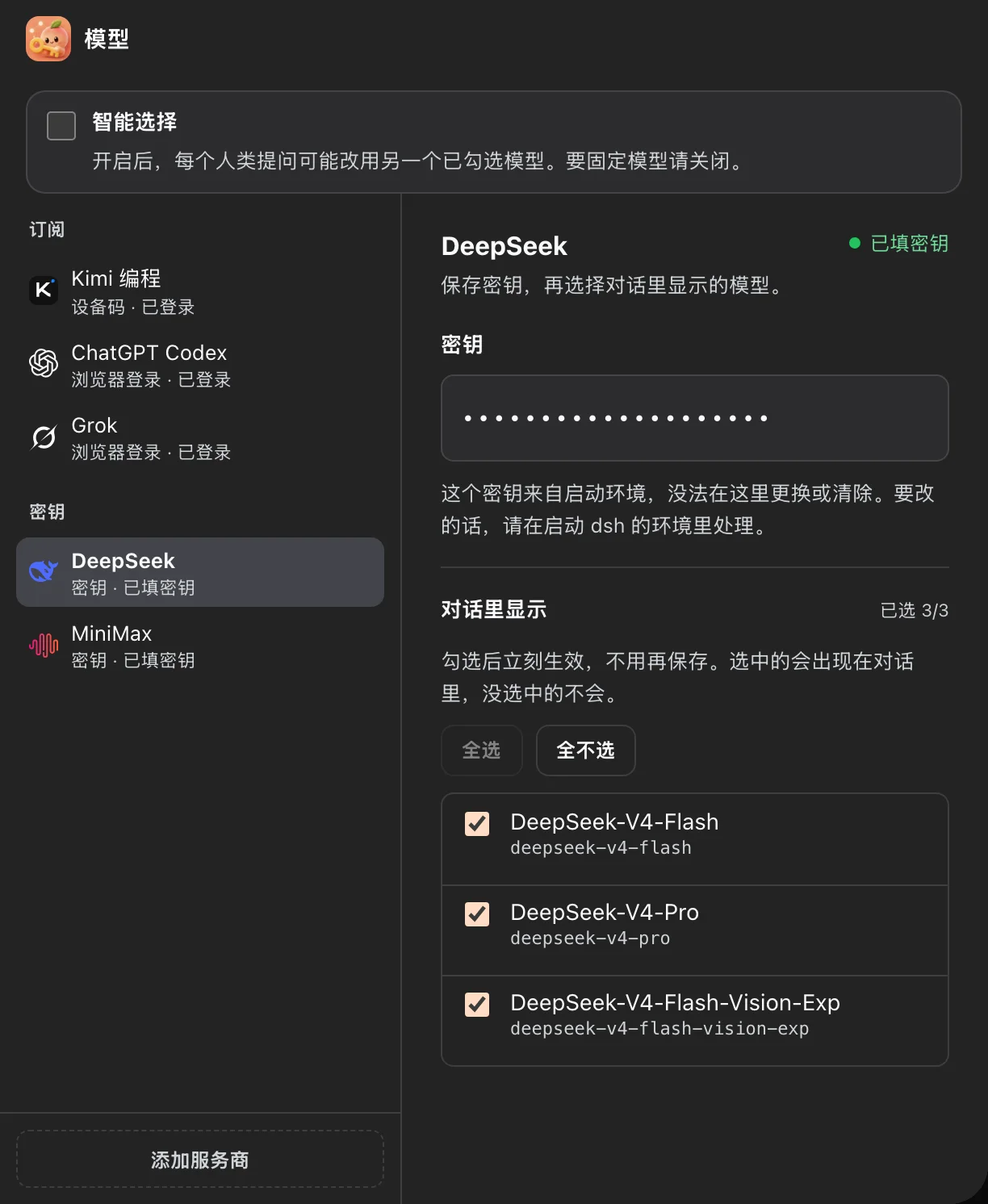
Vendors that are not connected yet live behind Add provider.
IM bots — dsh-im
Connect the local Harness to the chat apps you already use: WeChat, WeCom, Feishu, DingTalk, Slack, and more — nine channels in total. Send a message from your phone; the agent works on your machine and replies in the same chat.
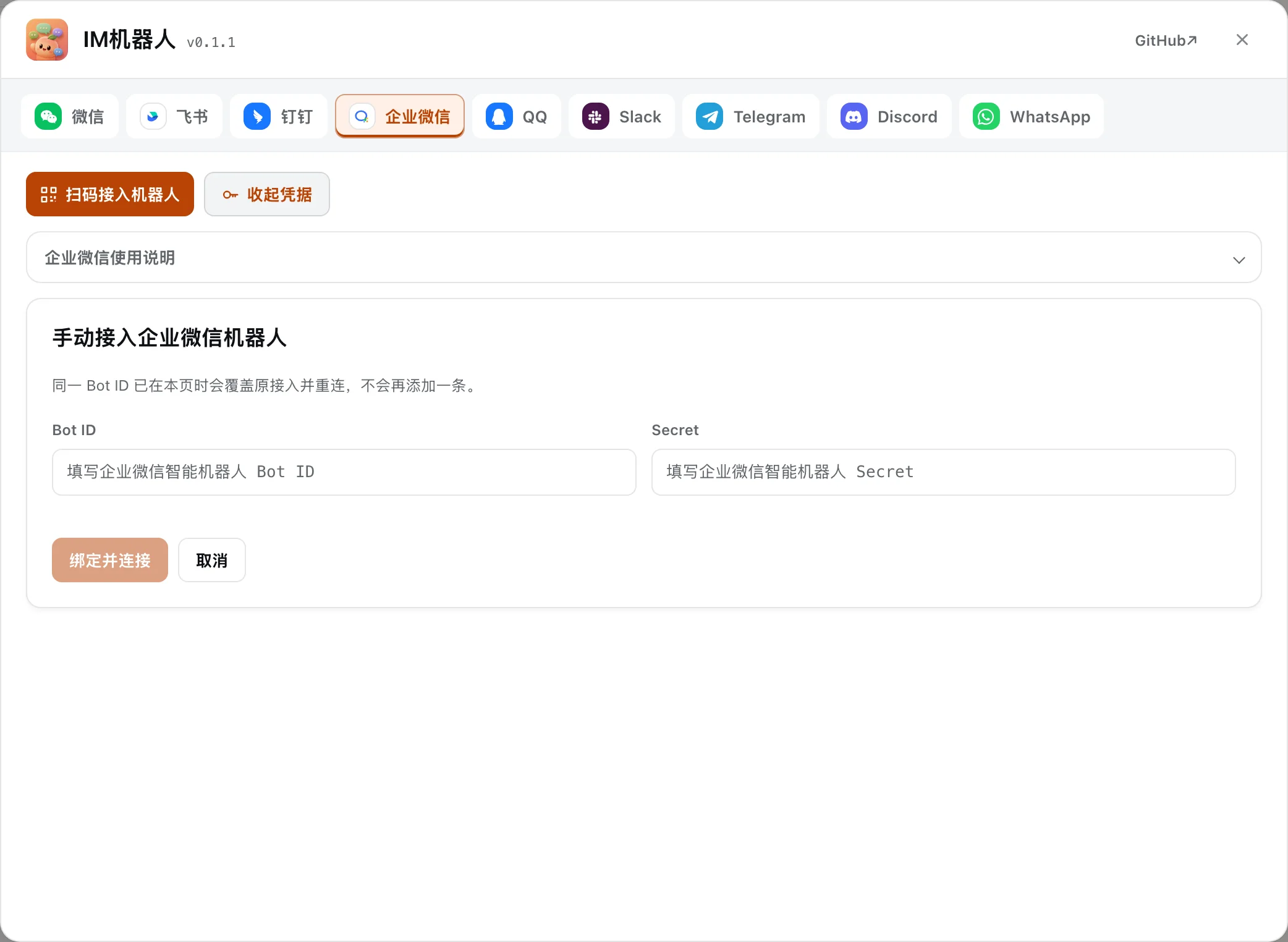
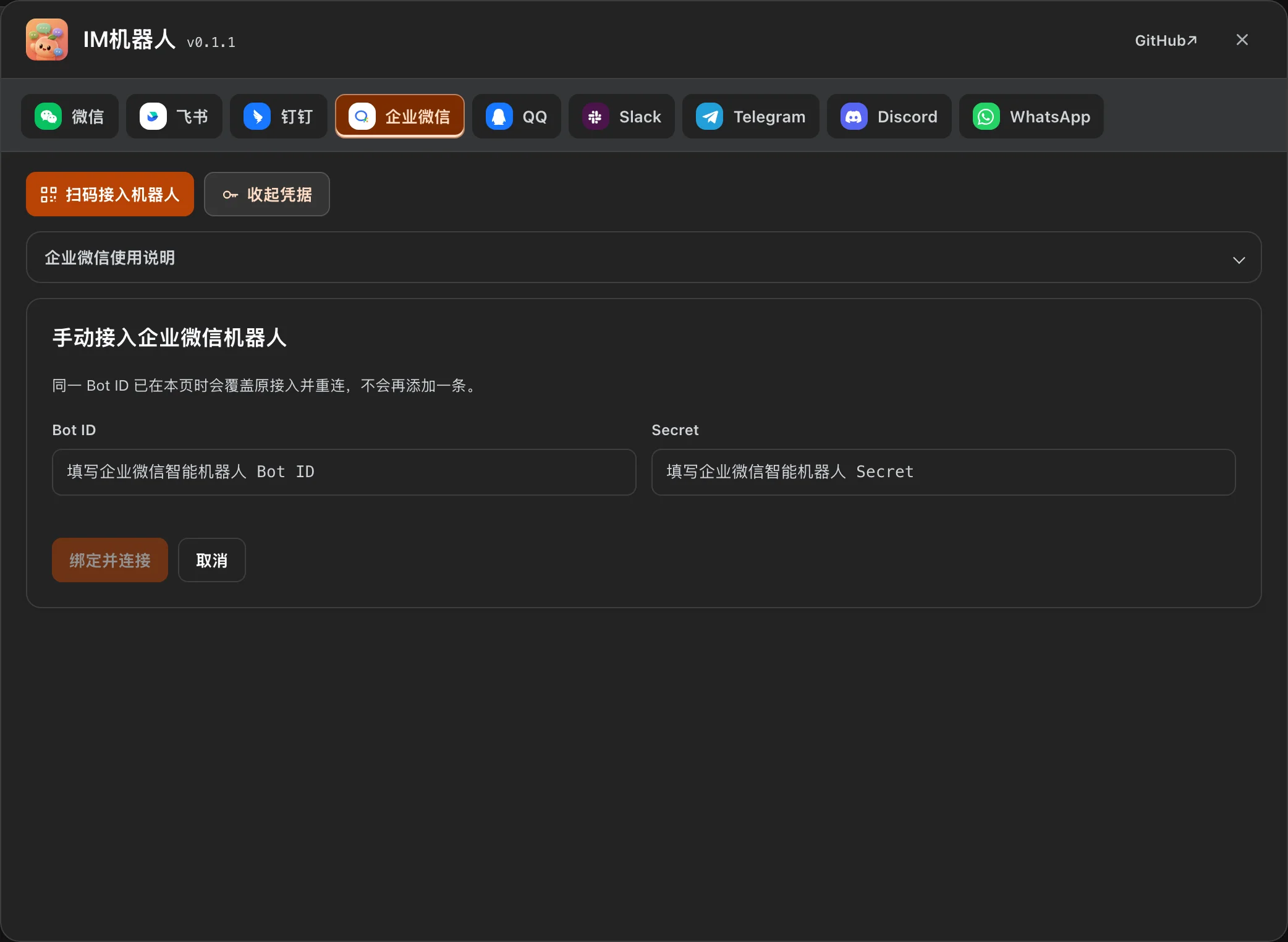
Scan a QR code, paste an App Manifest, or enter bot credentials — each channel documents its own onboarding.
WeCom chat vs. WeCom office
WeCom chat lives in dsh-im. WeCom office capabilities (calendar, docs, meetings…) are a separate plugin, dsh-wecom-office, and require the official wecom-cli on PATH.
WeCom office — dsh-wecom-office
Give the model access to WeCom calendars, online docs, meetings, contacts, sheets, todos, and the drive — through the official wecom-cli. Configure it on the WeCom robot card under Sidebar → IM bots.
Xiaotaozi UI — dsh-xtz-ui
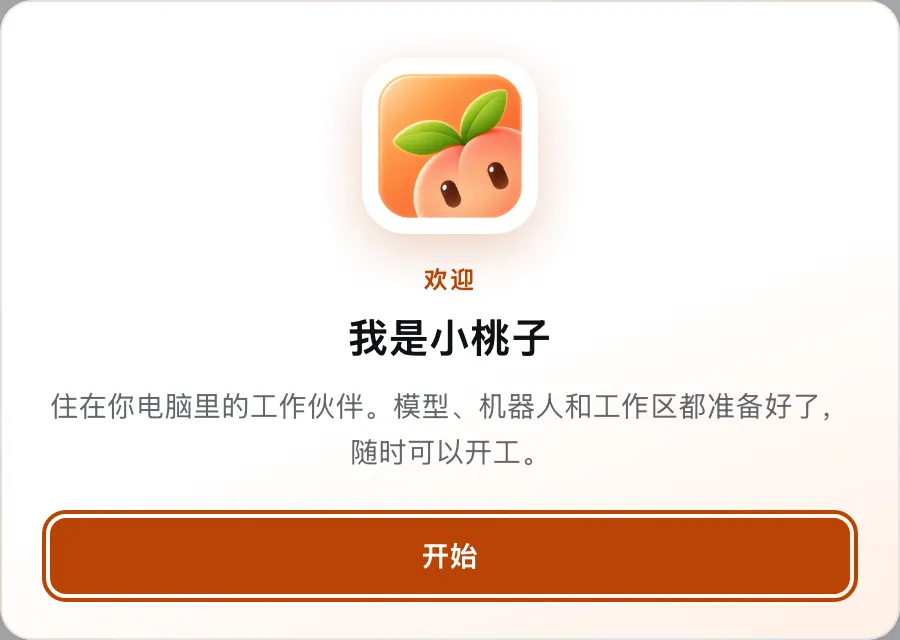
The brand layer: welcome screen, peach accent, session archive, task board, git graph, and per-feature toggles under Settings → Xiaotaozi. Turn off what you do not need.
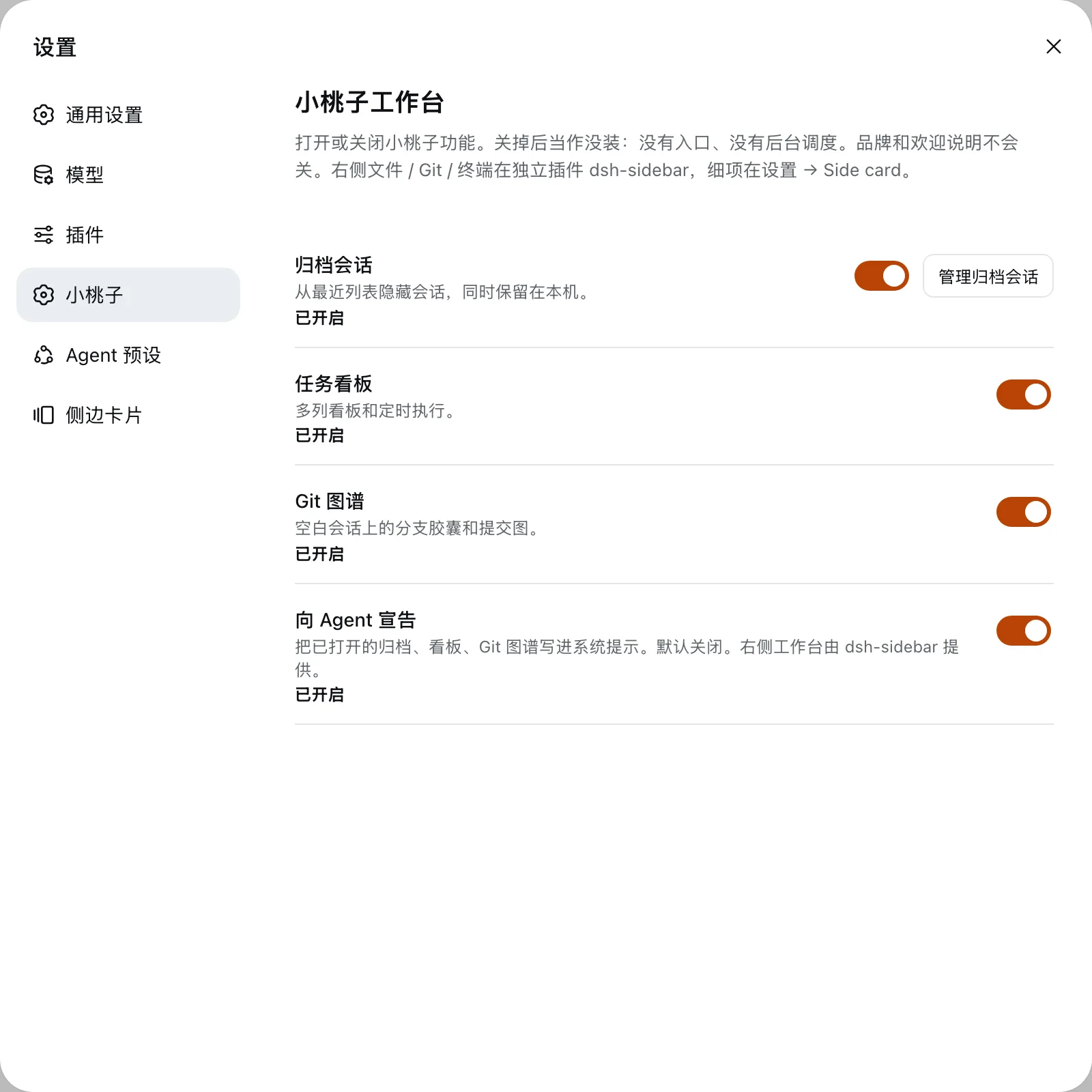
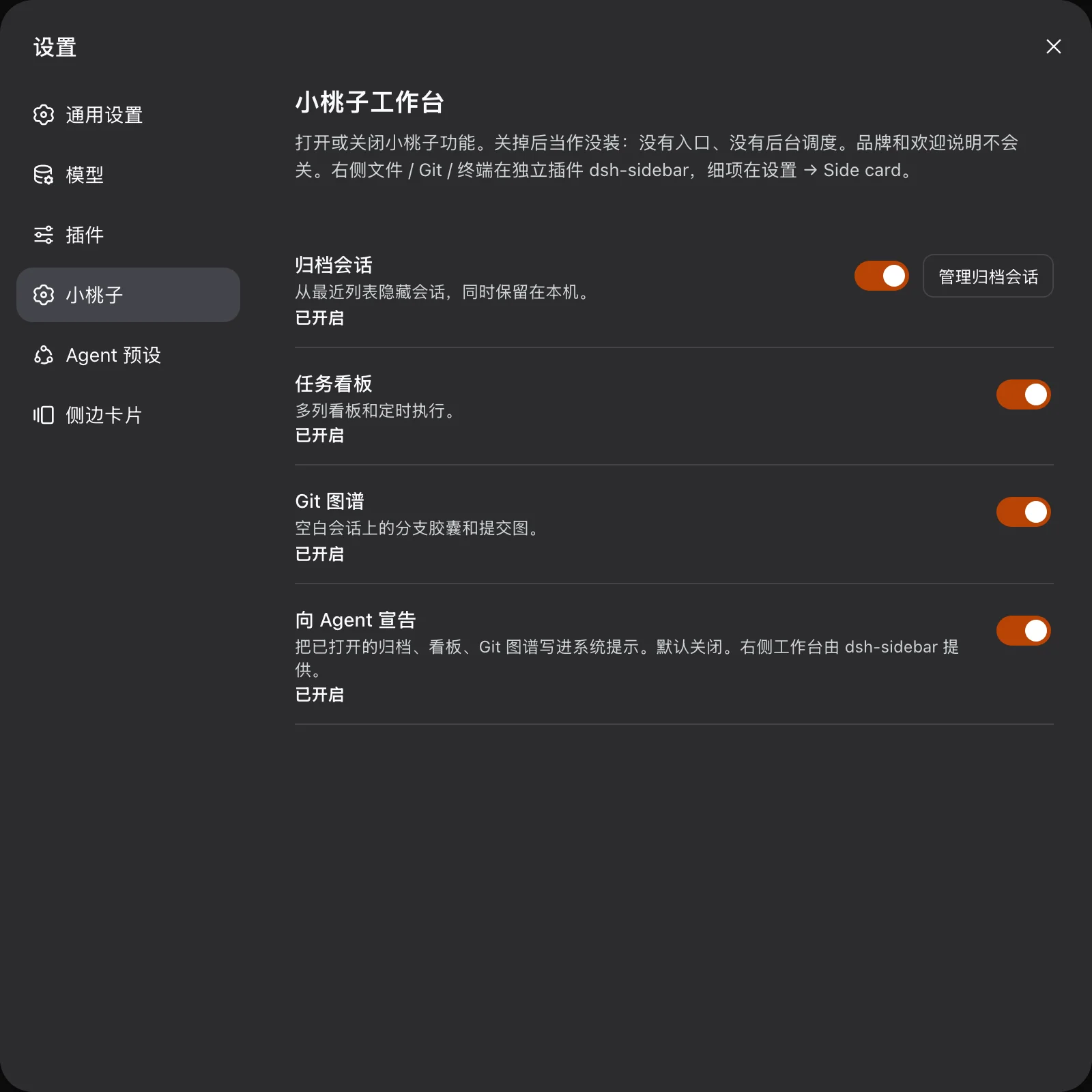
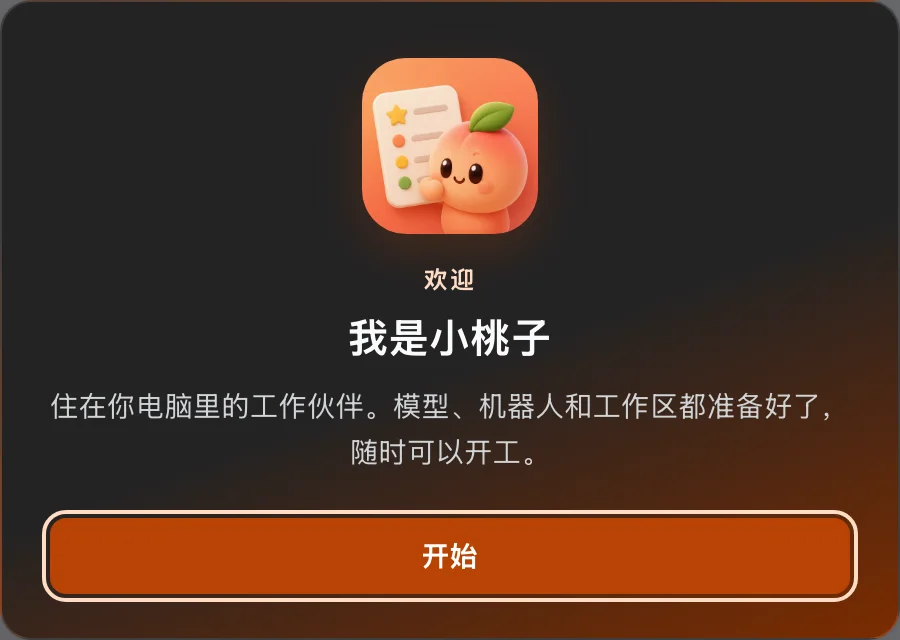
The first launch shows a welcome card. Brand chrome stays on even if you switch the other surfaces off.
Side card — dsh-sidebar
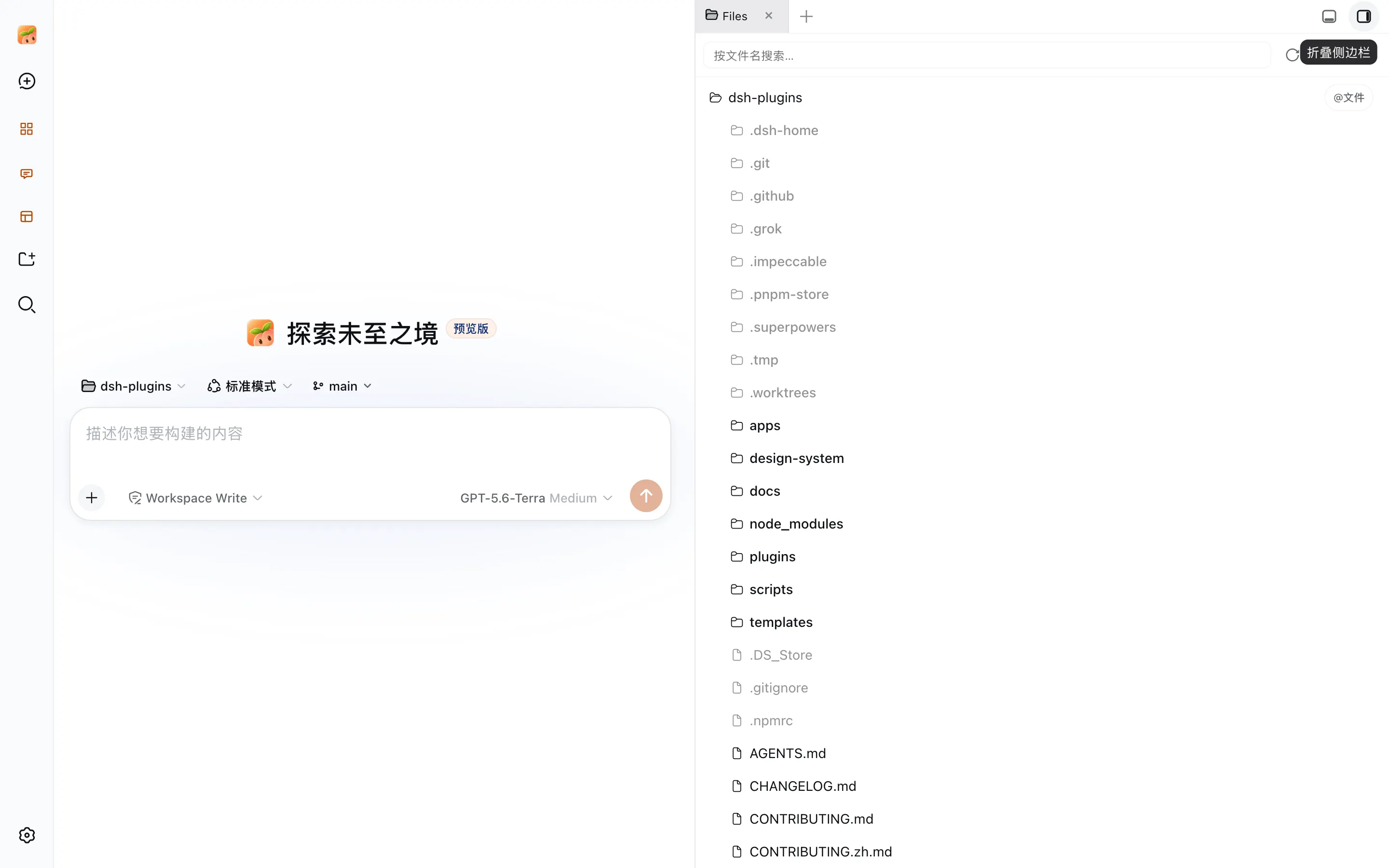
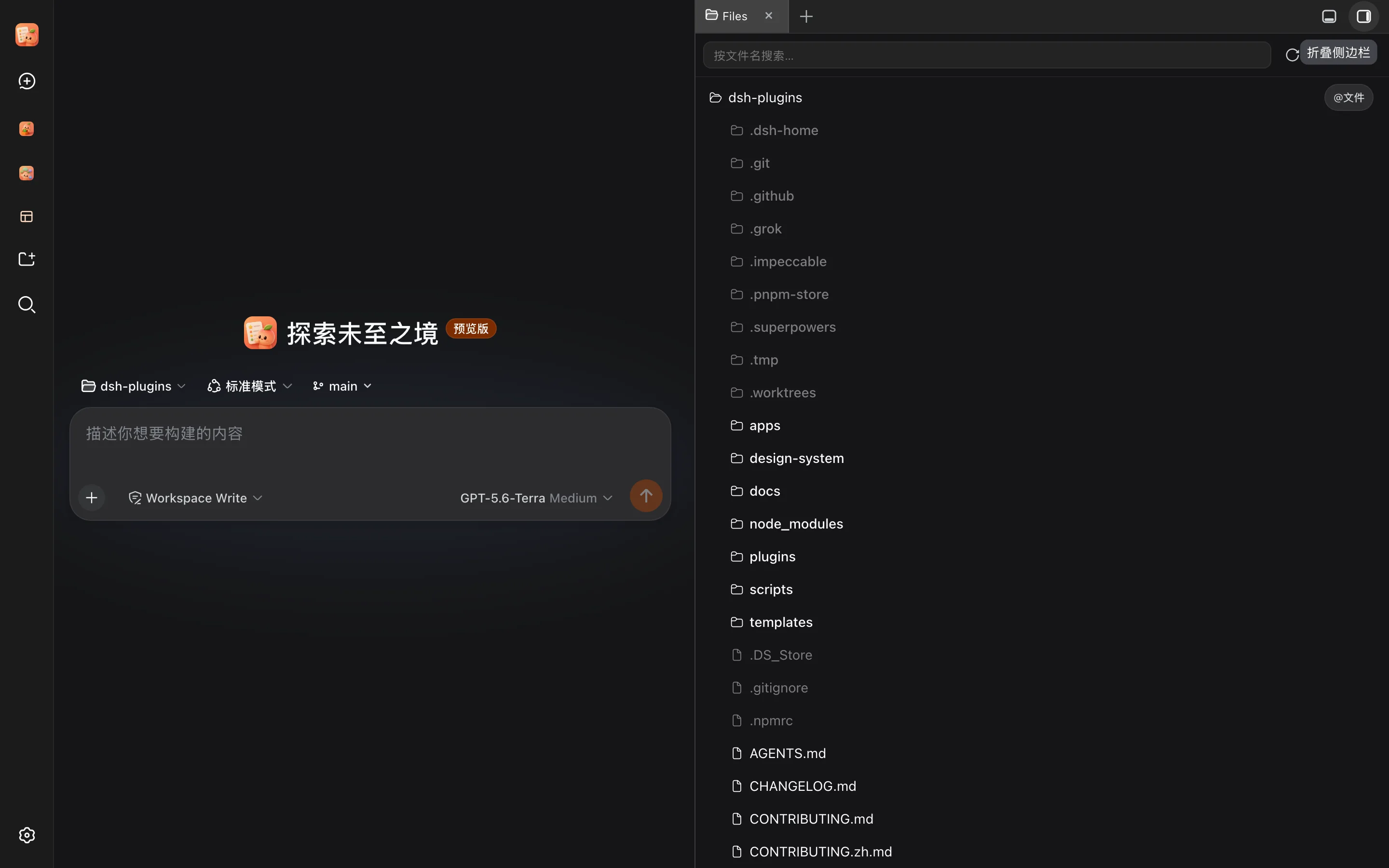
A right-hand panel with files, an editor, Git status, and a terminal — so you can inspect what the agent did without leaving the chat.
Market — dsh-market
The catalog of third-party plugins. See Plugin Market.