
Plugin Market
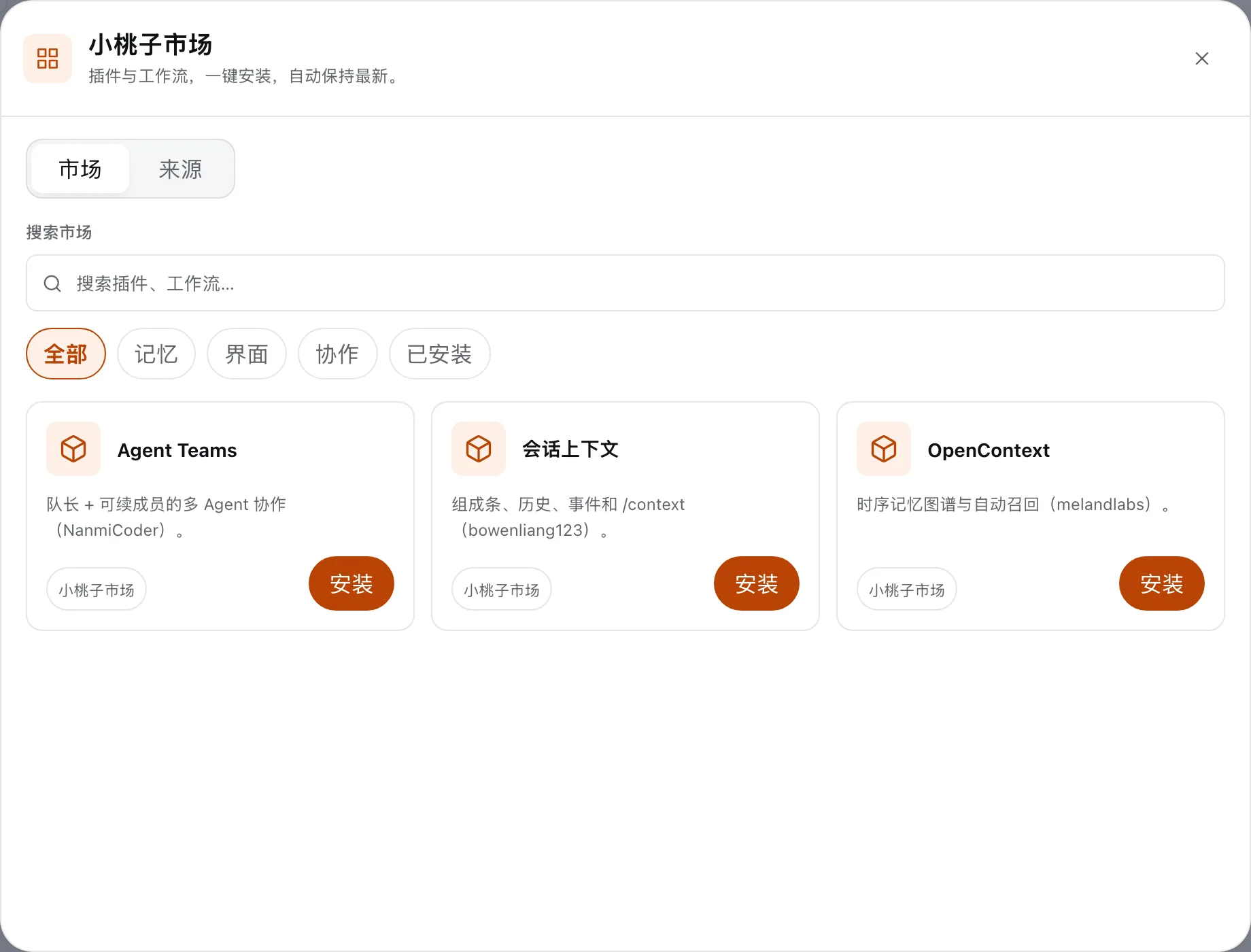
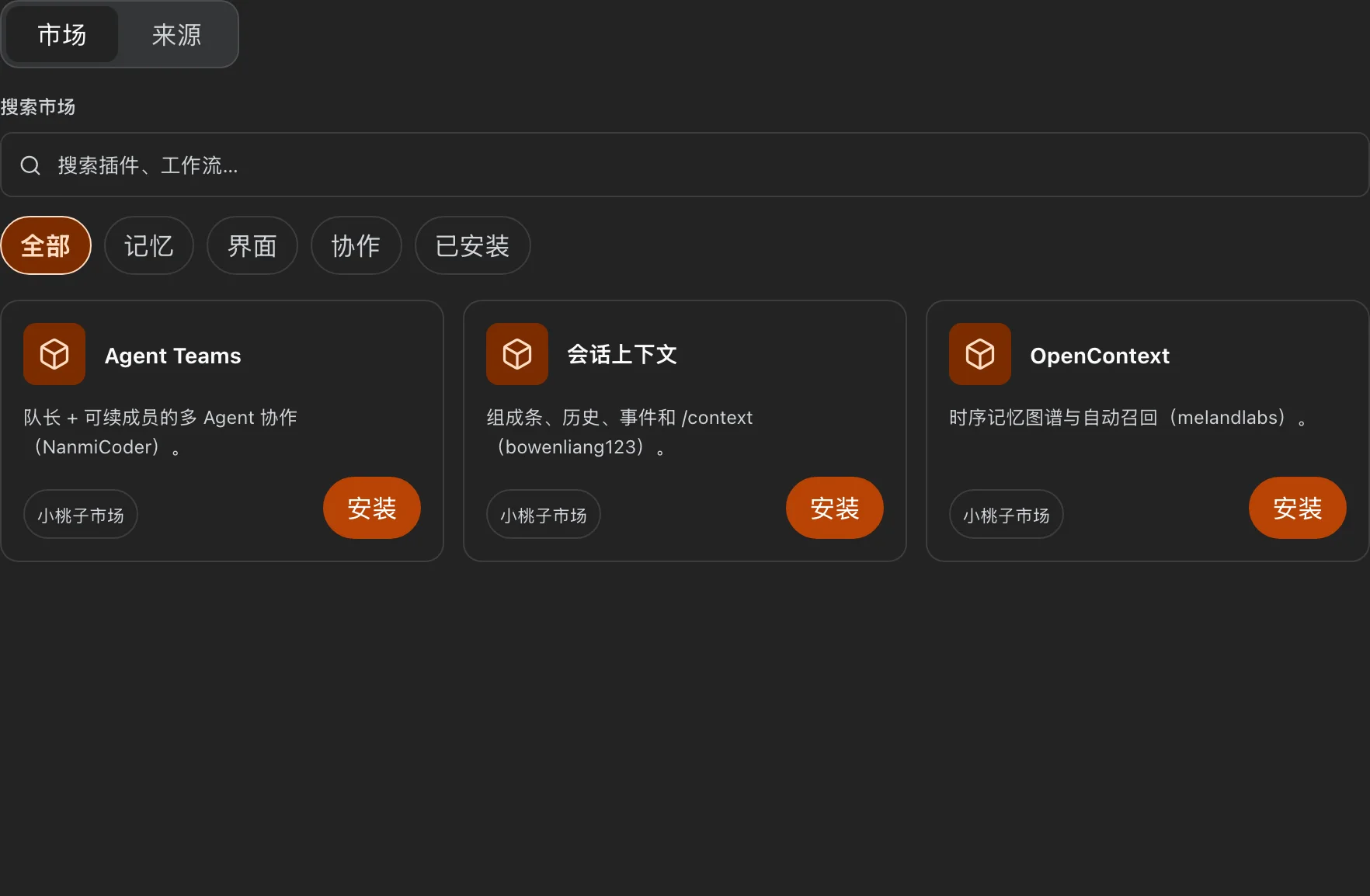
First-party plugins are seeded on first start. Everything else installs from the in-app market: open the sidebar below New Session and click Market. Plugins listed there install directly from their upstream Git repository or npm package — nothing is re-hosted.
Each row shows Installed if the current profile already has it; otherwise click Install.
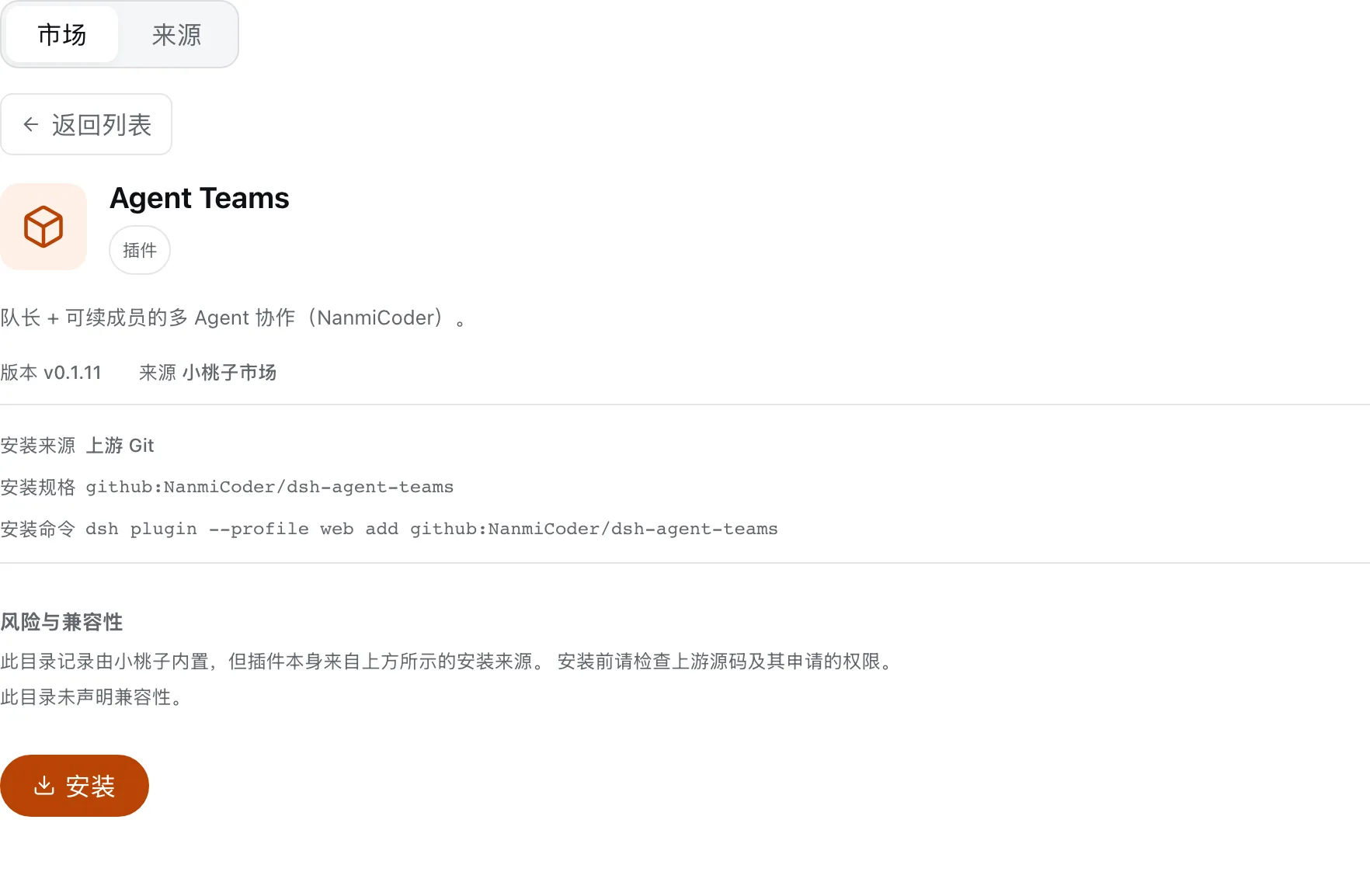
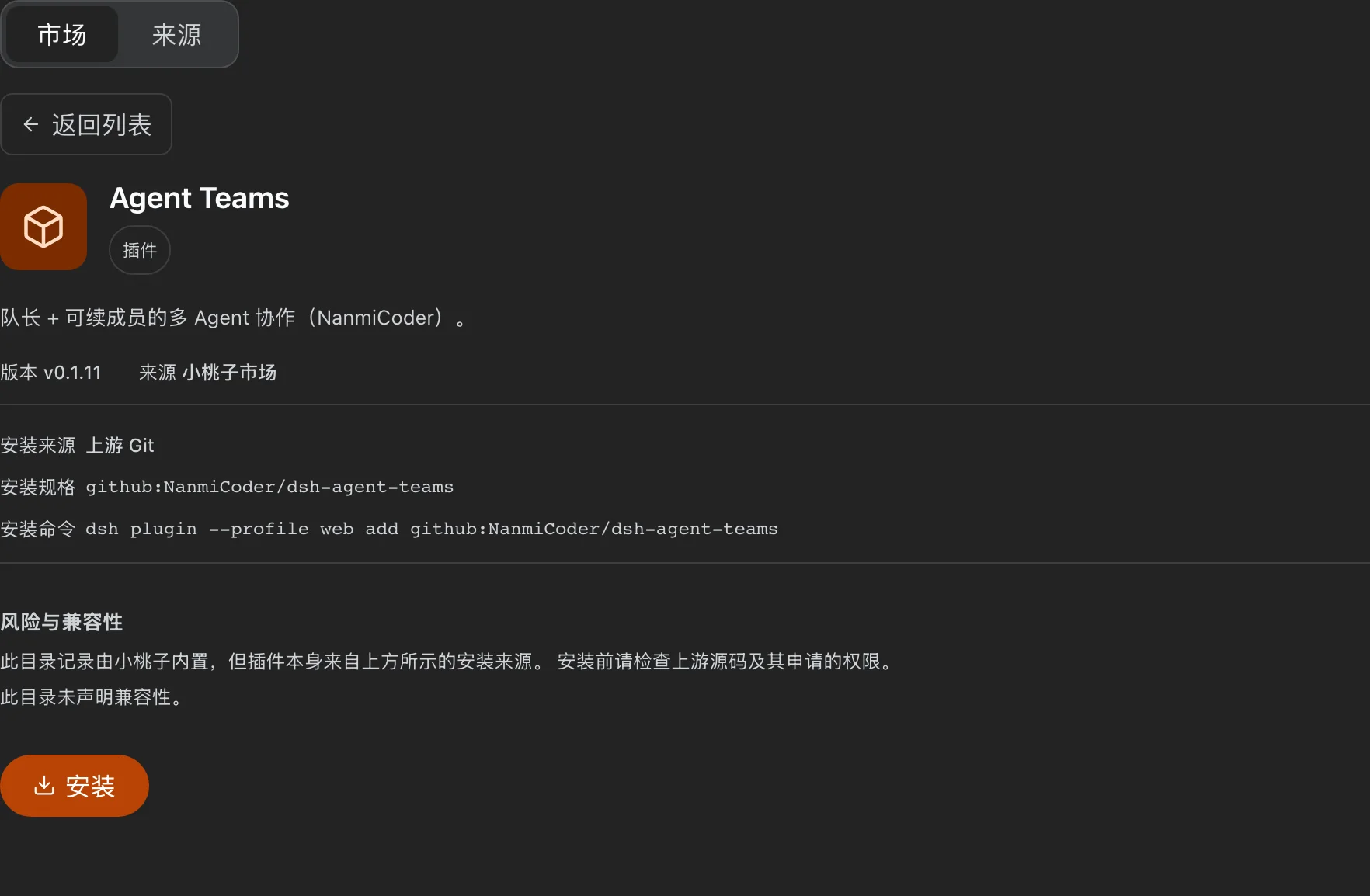
The detail page shows version, upstream source, and the exact install specification.
Current catalog
| Plugin | What it does | Upstream |
|---|---|---|
| Agent Teams | Run a multi-agent team | NanmiCoder/dsh-agent-teams |
| Session Context | Inspect what is in the model window | bowenliang123/dsh-context |
| OpenContext | Long-term memory / recall | melandlabs/opencontext |
Installing from the command line
If you prefer the terminal, the same installs work through the official dsh CLI:
dsh plugin --profile web add github:NanmiCoder/dsh-agent-teams
dsh plugin --profile web add github:bowenliang123/dsh-context
dsh plugin --profile web add github:melandlabs/opencontext#path:plugins/dsh-opencontext
WARNING
Use dsh plugin --profile web, not xtz plugin — the xtz wrapper intentionally disables plugin management to keep one writer per official home.
For plugin authors
Any DeepSeek Harness plugin installable as github:user/repo or github:user/repo#path:plugins/<name> can be listed. Keep prepare and the build config self-contained inside the plugin package so an isolated Git path install can build. Discovery uses the GitHub topic dsh-plugin; to get listed in the catalog, open an issue.